How do I undo a change Sauron made?
Every time a product or collection's Google title and description go live, Sauron saves a version, including your own original copy from before it changed anything. Restore any of the last 10 from the page, or use Undo on the Every change page.
A product or collection page → Earlier versions (near the bottom, or the Versions tab at the top). For the whole store: Every change. It's linked from the Overview (See every change), or type “Every change” into Jump to… in the sidebar.
Open this in the app (opens your Shopify admin in a new tab)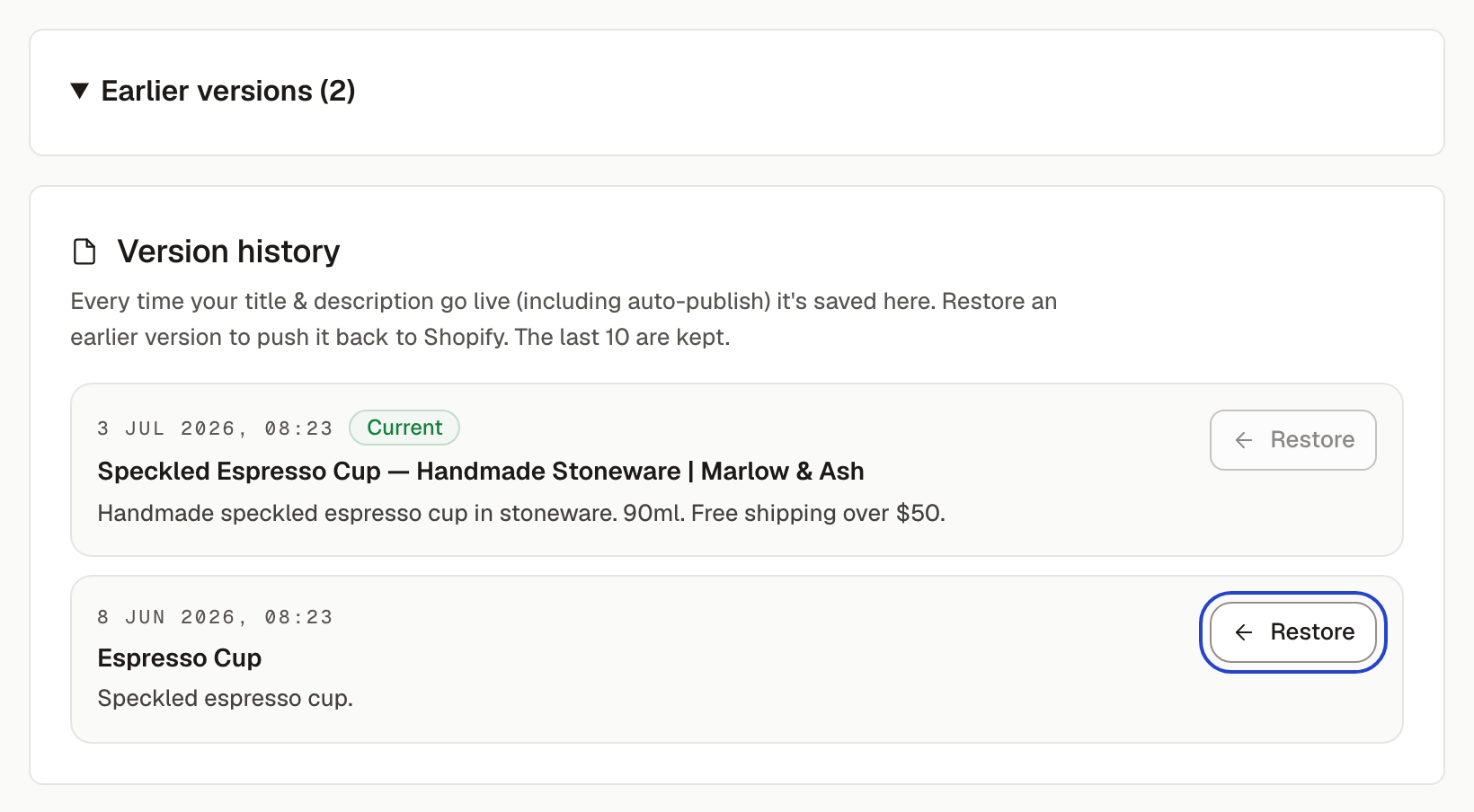
Restore one page
Open the product or collection and expand Earlier versions. Each version shows when it went live and the title and description it had. The newest one is marked Current. Press Restore on an older one and it's published to Shopify straight away; the page confirms “this version is now live on Shopify”.
Restoring doesn't delete anything: it saves the restored copy as a new version, so you can go forward again the same way.
The Every change page
A list of everything Sauron changed on your store in the last 90 days, newest first, grouped by day:
- Google text: a product or collection title and description, shown as “Now … — was …”. The latest change on each page has an Undo button, which puts the previous text back live.
- New collection: a collection Sauron built and published, with a link to open it.
- Blog post: a post Sauron published, with a link to open it.
- Photos: how many product photos got a description that day.
Only a page's most recent change has Undo, because undoing an older one would also wipe out everything after it. Older rows say “Changed again later”; to go further back, use Earlier versions on the page itself.
What can't be undone here
- Collections Sauron built and blog posts it published. They're linked so you can open, edit, hide or delete them the usual way in Shopify.
- Photo descriptions (alt text). Sauron only fills in photos that had no description, or just a filename in place of one, so there's no earlier wording to go back to.
How many versions are kept
The last 10 per page. Your original copy and each restore count toward the 10, so after ten changes to one page the oldest, including the original, drops off.